
Download Game Protector – Password Protection, Child Safety, Gaming Security
Overview
Game Protector is a utility designed to enhance security and control over gaming activities on personal computers. The application enables users to apply password protection to specific games and programs, ensuring that only authorized individuals can launch them. This functionality is particularly valuable for parents seeking to manage their children’s access to age-inappropriate or violent content. By setting up secure access points, the app supports a safer, more balanced digital environment at home.
The app addresses a growing concern in modern households: the unregulated access to online and offline games that may contain mature themes. With Game Protector, users can create a controlled gaming space where only those with the correct credentials can initiate certain applications. This feature promotes responsible digital habits and helps maintain a family-friendly atmosphere.
Target users include parents, guardians, and individuals managing shared computing devices. The app is suitable for both casual users and those with moderate technical experience, thanks to its straightforward interface and simple setup process. Although the developer did not provide additional background details, the application’s longevity since its release in 2010 suggests a stable presence in the niche market of digital content control tools.
Within the broader app ecosystem, Game Protector fills a specific gap by offering a lightweight, focused solution for access restriction. It does not aim to replace comprehensive parental control suites but serves as a targeted tool for managing individual games and programs, making it a valuable addition to digital safety strategies.
Key Features & Functionality
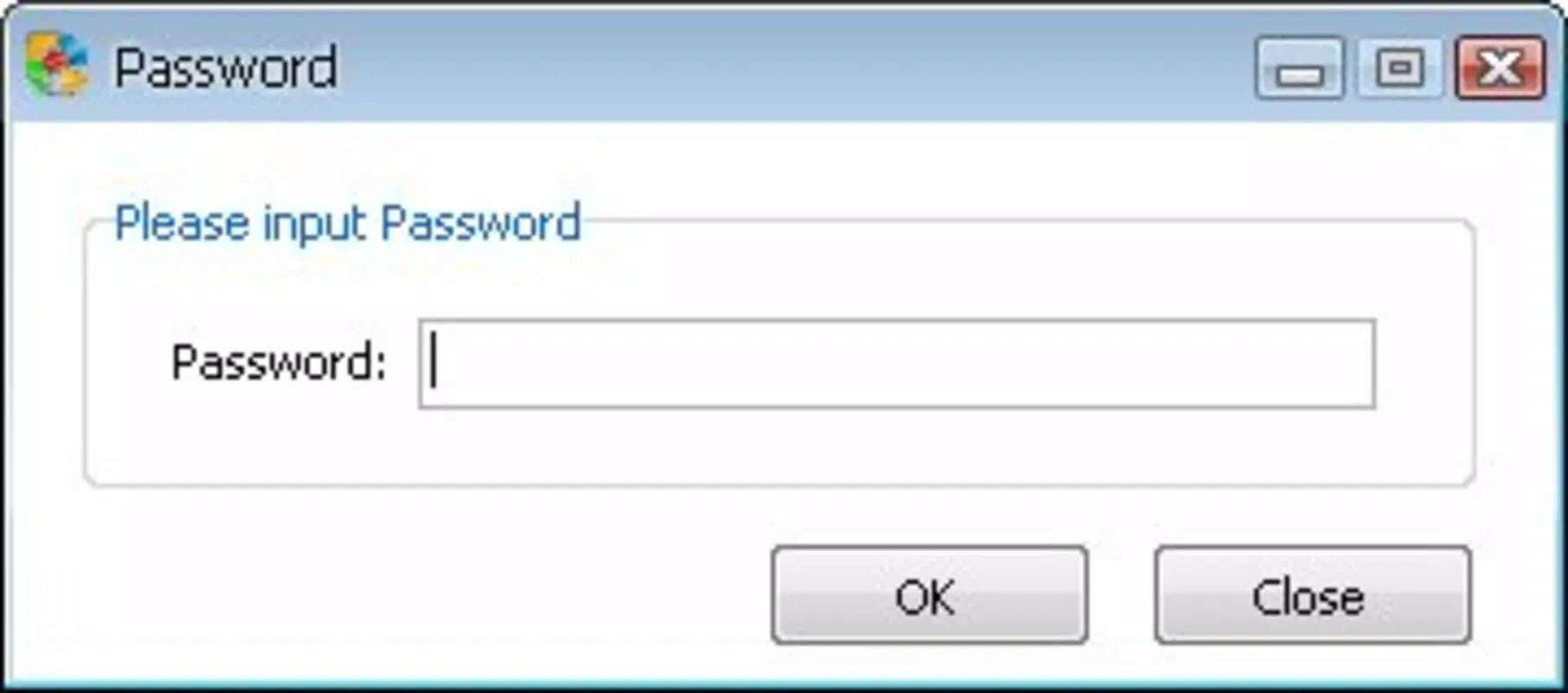
- Password Protection: Users can assign unique passwords to any game or program installed on their computer. This ensures that only individuals who know the password can launch the protected application, effectively preventing unauthorized access.
- Child-friendly Control: The app allows parents to identify and restrict access to games deemed inappropriate for children. This feature supports age-appropriate content management and helps maintain a safe gaming environment for younger users.
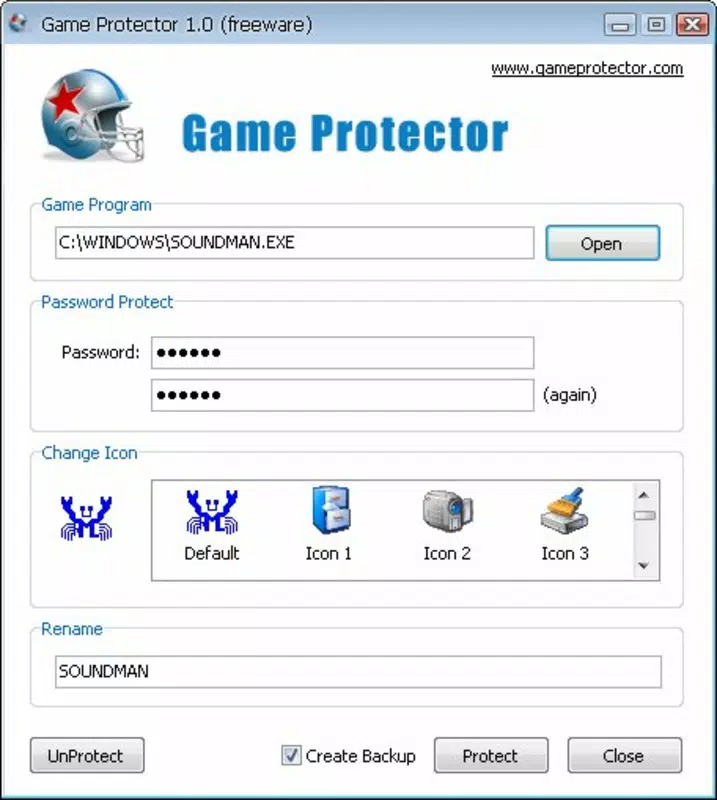
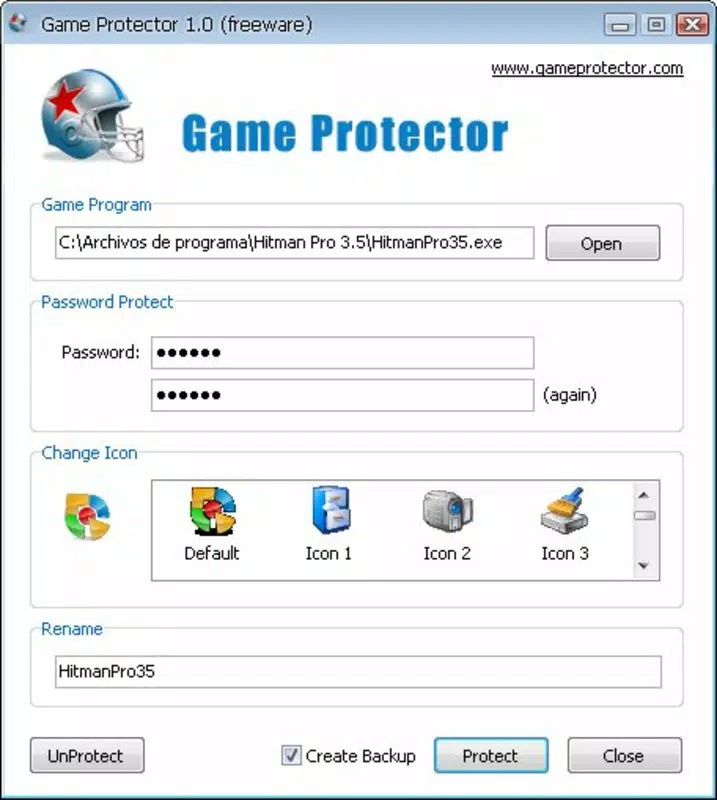
- Easy Setup Process: Installation and configuration are designed to be intuitive. Users can quickly navigate the interface to select games, set passwords, and activate protection without requiring advanced technical knowledge.
- Flexible Game Management: Not all games need to be protected. Users can selectively apply restrictions to specific titles while leaving others fully accessible, providing granular control over the gaming experience.
- User-Friendly Interface: The application features an intuitive layout that simplifies navigation. Settings can be adjusted on the fly, and users can manage their entire game library with minimal effort.
For example, a parent might use Game Protector to block access to a first-person shooter game during school hours while allowing access to educational or family-friendly titles. Similarly, a shared computer in a household could use the app to ensure that one user cannot launch another’s personal games without permission. These real-world applications demonstrate how the tool supports both security and personal privacy.
Interface, UX & Performance
Game Protector features a clean, minimal interface designed to prioritize functionality over visual complexity. The layout is structured around a central dashboard where users can view all installed games and apply or modify protection settings. Navigation is linear and consistent, with clear labels and straightforward controls that reduce the learning curve for new users.
Visual design is practical rather than flashy, focusing on readability and ease of use. Buttons are clearly labeled, and status indicators help users quickly identify which games are protected and which are not. The overall aesthetic aligns with the app’s utility-focused purpose, avoiding distractions that could hinder task completion.
Although the developer did not list formal performance metrics, the app’s lightweight nature suggests it operates efficiently on a range of systems. It is designed to run in the background without significantly impacting system resources, ensuring that protected games launch smoothly. Responsiveness appears consistent across different device categories, though specific compatibility details were not disclosed.
Stability is a key strength, as the app has remained available since its 2010 release. While no recent updates have been mentioned, the absence of widespread issues suggests reliable operation under normal conditions. Users can expect consistent behavior when applying or removing password protection, with minimal risk of crashes or configuration errors.
Platform Compatibility & Technical Requirements
Game Protector is designed for use on personal computers, though the specific operating system and version were not provided. The application is available as a downloadable file, likely in a format suitable for Windows-based systems, given its target use case.
The file size was not disclosed, but based on its utility-focused nature and lack of heavy multimedia components, it is expected to be relatively small. This suggests it can be installed on systems with limited storage capacity.
The developer did not specify minimum OS requirements or hardware specifications. As such, compatibility with modern or legacy systems remains unclear. Users should ensure their system meets the general requirements for running desktop applications before installation.
Pros and Cons
Pros
- Simple, intuitive interface ideal for non-technical users
- Effective password protection for individual games and programs
- Helps parents manage children’s access to inappropriate content
- Flexible control—protect only selected games, not all
- Lightweight design with minimal system impact
Cons
- Developer did not provide specific technical requirements or OS compatibility details
- No information on recent updates or active development status
- Platform availability beyond desktop systems was not confirmed
- Limited feedback on long-term stability across modern operating systems
- Not available through official app stores, requiring manual download
FAQ
Is Game Protector safe to download and install?
Yes, the app is designed as a security utility and does not contain malware. However, since it is not distributed through official app stores, users should download it from trusted sources to ensure safety.
Can I use Game Protector on multiple computers?
The app’s licensing terms were not specified. Users should refer to the official documentation or developer guidelines for information on multi-device usage.
Does Game Protector work on both Windows and macOS?
Specific platform compatibility was not disclosed. The application is primarily designed for desktop systems, but detailed OS support information was not provided.
How do I reset a forgotten password?
There is no built-in password recovery feature. Users are advised to maintain a secure record of their passwords to avoid access issues.
Is Game Protector free to use?
The price was not specified. Users should check the official source for current pricing and licensing details.
Final Thoughts
Game Protector stands out as a focused, practical tool for individuals seeking to manage access to specific games and programs on their computers. Its core strength lies in its simplicity and targeted functionality—offering password protection without unnecessary complexity. For parents concerned about their children’s exposure to mature content, it provides a reliable way to enforce digital boundaries.
The app’s long-standing presence since 2010 speaks to its durability and effectiveness, even in a rapidly evolving tech landscape. While it lacks modern polish and detailed technical disclosures, its utility remains relevant for users who value control and security in shared computing environments.
Despite the absence of recent updates and platform-specific details, Game Protector delivers on its promise: secure, selective access to games. It is best suited for users who need a no-frills solution for protecting specific applications.
Download Game Protector now


